


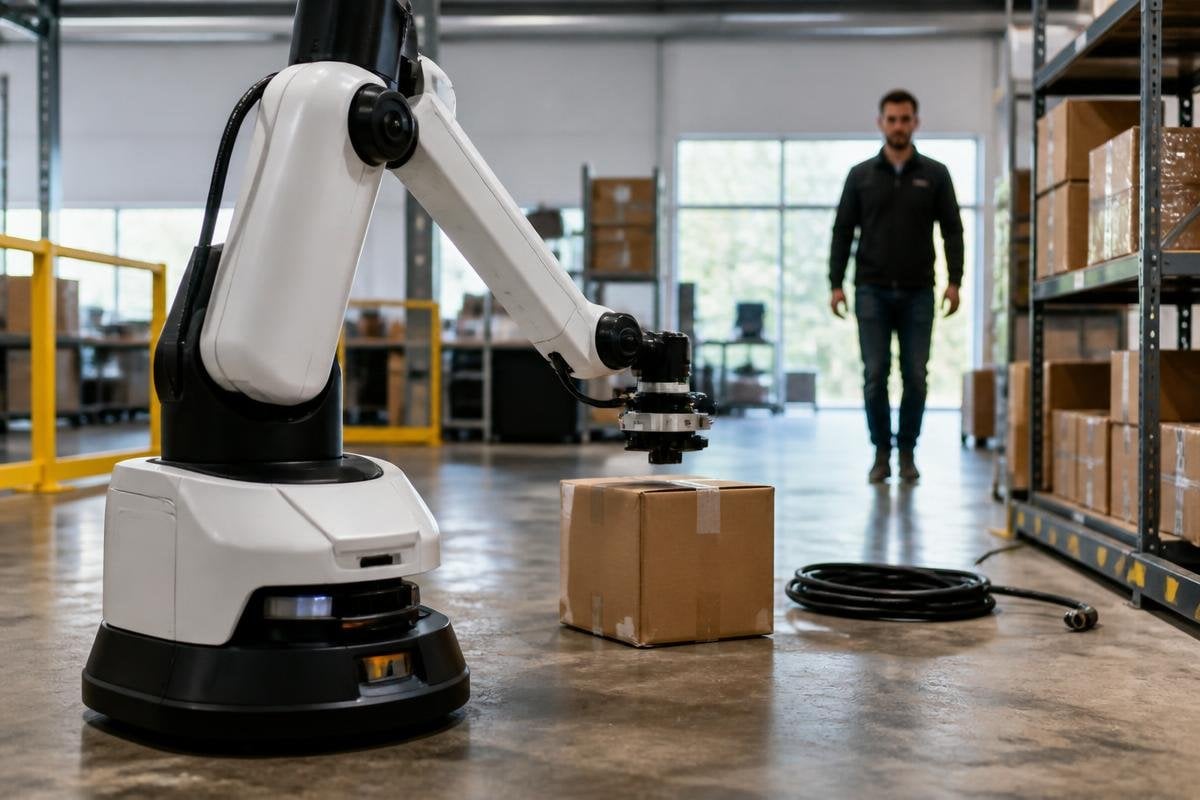
A robot can have strong motors and careful software, yet still fail when its sensors miss a box edge, a loose cable, or a person nearby. Better sensors will help robots build a clearer view of their surroundings and react to changes before a task goes wrong.
Quick read
- Cameras read color and shape, while LiDAR measures distance.
- Force sensors help a robot tell the difference between contact and a jam.
- Better data still needs good software, careful setup, and safe limits.
Seeing more than a camera can show
A camera records light in two dimensions. That gives a robot useful details about color, labels, surface marks, and object shape, but it doesn’t directly tell the robot how far away each point is.
LiDAR adds distance data by sending out laser pulses and measuring their return time. The robot can use that point cloud, which is a set of measured positions, to locate shelves, walls, pallets, and people.
Depth cameras collect similar distance information through light and image processing. They can help a robot pick an item from a bin because the software can estimate where the item starts and where the bin ends. The result depends on the surface: clear plastic, dark material, and bright sunlight can make depth readings harder.
This matters on a factory floor because the scene keeps changing. A pallet may sit a few centimeters away from its planned spot, or a package may lean against another item. With better distance data, the robot can adjust its path instead of treating the old map as exact.
Feeling contact instead of guessing
Vision tells a robot where an object is. Force and torque sensors tell it what happens when the gripper touches that object.
A gripper can use this information to close around a part without crushing it. An arm can also detect that a part has stopped moving, which may mean the part is stuck or the grip is wrong. That signal can trigger a pause and an inspection rather than more motor force.
Tactile sensors add contact points across a gripper or robot hand. They can help software find whether an object is slipping, resting unevenly, or touching one finger more than another. That detail matters when the robot handles soft packaging, small parts, or objects with an uneven shape.
The sensor does not make the decision by itself. Software must read the signal, set a safe response, and decide when a person needs to check the task.
Motion data keeps the robot stable
An inertial measurement unit, or IMU, measures movement through accelerometers and gyroscopes. Robots use IMUs to track changes in speed, tilt, and rotation.
The mobile platform can combine IMU data with wheel movement and LiDAR readings. This helps it estimate its position when a wheel slips or when a passage looks different from its map. A legged robot can use the same type of data to detect a step, a body tilt, or a loss of balance.
Sensor fusion is the process of combining several sensor inputs into one estimate. Cameras may identify an object, LiDAR may locate it, and an IMU may show how the robot is moving toward it.
Each sensor covers a weakness in the others, but poor calibration can make the combined result worse.
Calibration errors matter because a robot can misread a safe gap or place an object outside its grip. A sensor can be precise and still fail when dust blocks the lens or a wall hides the target. For named machines, test settings, and stated limits, see Robot24 before judging what the system can do.
The limits are still physical
More sensor data creates more work for the robot’s computer. The system must process that data quickly enough to act, while filtering dust, glare, vibration, reflections, and blocked views.
Placement matters too. A LiDAR unit behind a panel cannot read through the panel. A camera aimed at a bright window may lose detail in darker areas. A force sensor can report contact, but it cannot explain the cause without software and other signals.
Cost, wiring, cleaning, and repair also shape the result. A sensor that works well in a test room may need a different mount or protective cover on a production line. I’d judge a sensor upgrade by the failures it removes, not by the amount of data it produces.
A practical sensor checklist
Before choosing a sensor package, check:
- Task: name the object, motion, or contact the robot must detect
- Conditions: list dust, glare, darkness, vibration, heat, and rain
- Failure response: define the safe action when readings disagree
- Mounting: check the sensor’s view, cable route, cleaning access, and protection
- Data load: confirm the computer can process the readings at the needed rate
That checklist connects the sensor to the job instead of treating a larger data stream as proof of better performance.
The next useful step is a controlled trial built around one failure: a missed object, a bad handoff, or an unsafe stop. If the new sensor reduces that failure without adding a harder maintenance problem, the robot has gained a capability you can measure.
